Take the music with you.
Install the available NoSpoti APK on an Android phone. This download is separate from the web player and may be on a different release.
Download Android APKDirect APK download · Android only
Find your favourites, build your library, and listen together in a Jam. NoSpoti is a free, open-source music player for Android and your browser.
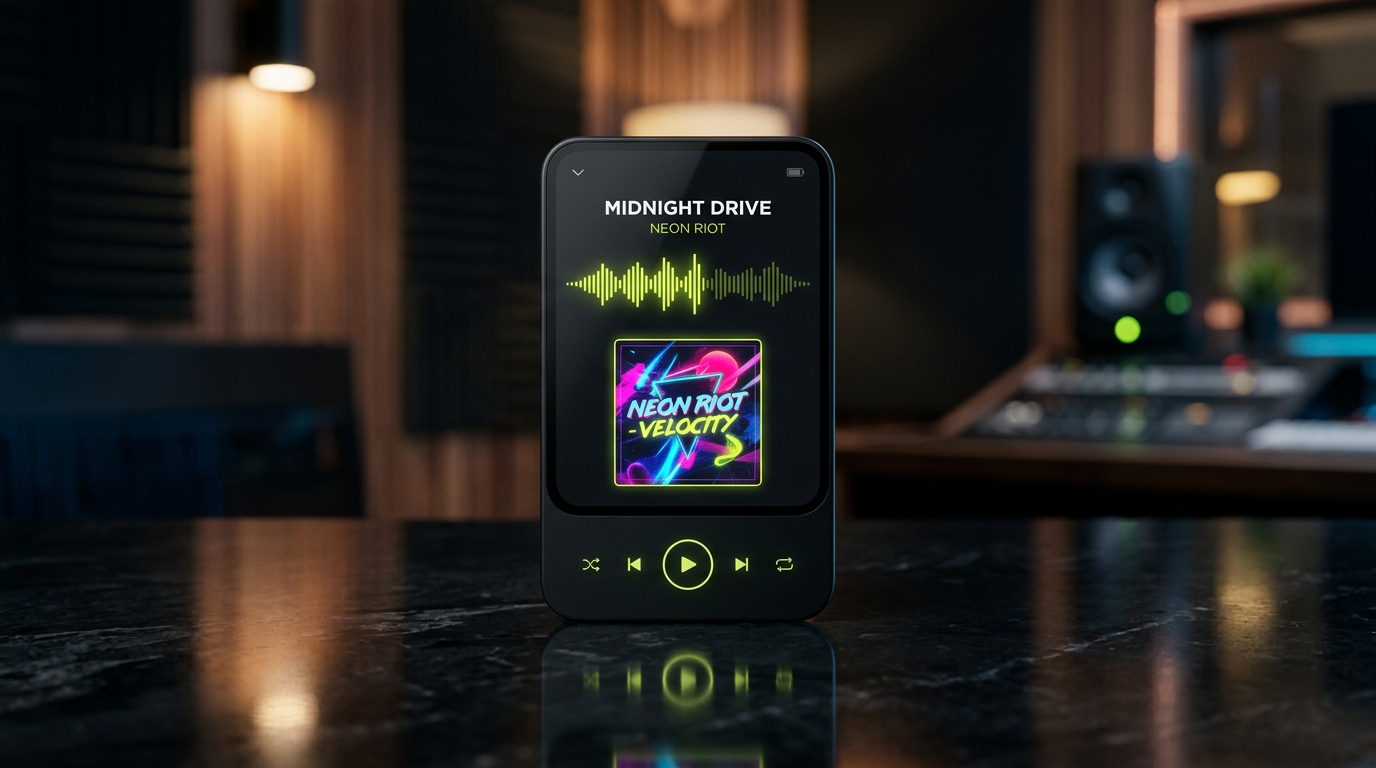
Try three short demo sounds and explore the player controls. These samples are a preview; open the web app to search for music.
Explore the Home, player, search, and library design previews. The live app also includes shared Jam rooms and lyrics when available.
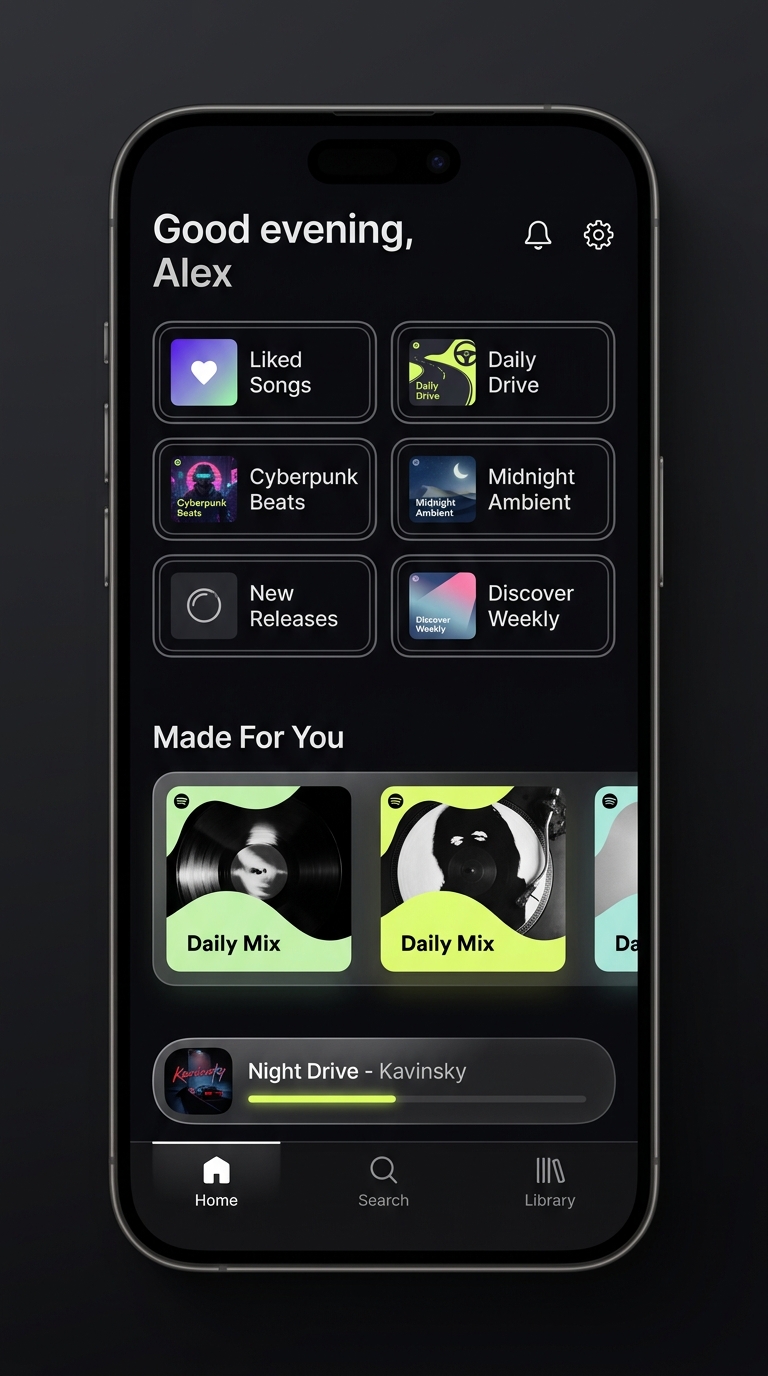
Browse Bollywood, Punjabi, Marathi, English pop, and more. Revisit favourites, explore moods, and find music for your day.
A dark player with album artwork, playback controls, and a queue you can shape as you listen.
Open Lyrics from the full player. Some tracks include timed lyrics; others have plain text or no match.
Search connected music sources and explore curated moods and languages. Availability varies by track and source.
Listen as a guest, or sign in for cloud library sync. Device files remain on the device where you added them.
Keep the songs you love close, discover a different sound, and share a listening session with someone who gets it.
Search music, import public Spotify or YouTube playlists, and add supported audio files from your device. Imports bring track lists into NoSpoti; playback depends on finding an available source.

Pause, skip, seek, and manage what plays next. Similar-song autoplay looks for different songs that fit the artist, album, or mood.
Guest listening keeps your library on the device. When you sign in, supported library data can sync through Supabase. Clearing browser data may remove local files and downloads.
Tap the heart to save a song in Liked Songs. Build your own playlists, import a collection, or explore mixes and genre collections from Home.
A clear look at the features, and where availability varies.
| Feature | Availability | What to know |
|---|---|---|
| Listening | Free to use | NoSpoti does not insert ads into its player. |
| Library | Available | Liked Songs, custom playlists, and supported cloud sync when signed in. |
| Playlist imports | Available | Import public Spotify and supported YouTube playlist links. Tracks need an available playback match. |
| Jam rooms | Available | One host controls playback. Listeners join with a room code; everyone needs internet. |
| Lyrics | When a match is available | Timed or plain lyrics depend on the song and the lyrics service. |
| Offline listening | For files available on your device | Downloads depend on source and browser support. Online search and Jam need internet. |
| Android & web | Available | The APK is for Android. iPhone, tablet, and desktop users can open the web player. |
| AI DJ & MCP | Experimental / off in the public app | Developer integration work is in the repository. Installing the app alone does not connect an AI assistant. |
Start a Jam, share the room code, and listen with your partner or friends. The host chooses the music while listeners follow the shared queue.
PLAY01
Each device streams its own audio. Internet and available song sources are required; timing can vary with the connection.
The repository includes developer work for connecting compatible AI assistants to music tools. It needs a configured bridge and a supported client. There is no built-in AI chat or API key required for normal listening.
Explore the MCP sourceChoose an Android download or open the player in your browser.
Install the available NoSpoti APK on an Android phone. This download is separate from the web player and may be on a different release.
Download Android APKDirect APK download · Android only
Listen from an Android phone, iPhone, tablet, or desktop browser. No native iPhone app is required.
Launch web playerNo installation needed · Features vary by browser
You can listen as a guest. An account is used for supported cloud library sync. Normal music listening does not require an AI API key.
Playlist imports bring song information into your library. Playback needs an available matching source, so some tracks may be unavailable.
Only audio already available on your device can play offline. Online searches, new streams, account sync, and Jam rooms need internet.
The large hero and mobile images are design mockups from the original NoSpoti landing page. The current app may look different.
Guest library data is stored locally. Signed-in accounts use Supabase for supported account and library data. Account and library sync uses network requests to Supabase; local file storage depends on your browser.
Open the web player on your phone or computer, or download the Android APK. Pick a song. Bring someone along.